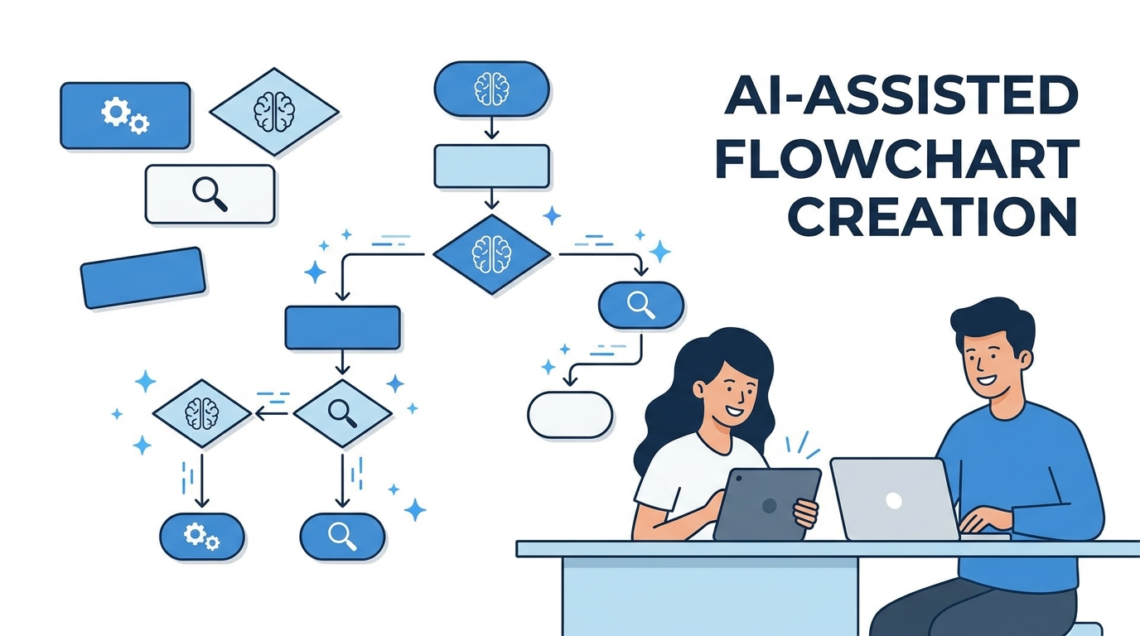
Every organization has processes that live in someone’s head. Onboarding a new employee, handling a customer refund, deploying code to production, approving a purchase order. These processes work until the person who knows them is on vacation, leaves the company, or simply forgets a step. Flowcharts exist to get these processes out of people’s heads and into a format that anyone can follow.
The problem has never been the value of flowcharts. It’s the time cost of making them. In 2026, AI has cut that cost dramatically.
Why Flowcharts Still Matter
Flowcharts communicate two things that text procedures struggle with: branching logic and parallel paths. A written procedure handles “do A, then do B, then do C” just fine. It handles “if X, do A; if Y, do B; in either case, then do C while D runs in parallel” much less clearly. The visual format of a flowchart makes these structures obvious at a glance.
For business teams, the highest-value flowcharts are decision trees (if/then logic for support escalation, approval routing, or triage), process maps (end-to-end workflow for onboarding, procurement, or incident response), and system diagrams (how data flows between services, databases, and external APIs).
The Traditional Pain Point
Building a flowchart by hand in Visio, Lucidchart, or Draw.io typically takes 30-60 minutes for a medium-complexity process. Most of that time is spent on layout: making sure boxes don’t overlap, connector lines don’t cross unnecessarily, and the flow reads left-to-right or top-to-bottom consistently.
Layout is exactly the kind of work that computers are good at and humans find tedious. This is why AI flowchart generation has gained traction so quickly.
How AI Flowchart Generation Works
An AI flowchart generator takes a text description of your process and produces a formatted diagram. You might type “customer submits a support ticket, it’s triaged by priority, high priority goes to senior agent, medium goes to regular queue, low goes to self-service bot, all paths end at resolution and feedback survey.” The AI parses the steps, identifies the decision points, and generates a flowchart with proper shape conventions (rectangles for steps, diamonds for decisions, ovals for start/end).
The result isn’t always perfect on the first try. Complex processes with many branches sometimes need a second prompt to refine the layout or split into sub-processes. But even with iteration, the total time is typically under five minutes compared to 30-60 minutes of manual work.
Best Practices for Process Flowcharts
Regardless of how you build the flowchart, a few principles make the output more useful.
Use standard shapes consistently. Rectangles for actions, diamonds for decisions, ovals for start and end points, parallelograms for inputs/outputs. These conventions are widely understood and make the flowchart readable without a legend.
Keep each box to one action or one decision. A box that says “review the application and check the credit score and verify the address” should be three boxes. Granularity makes the process auditable and helps identify where bottlenecks occur.
Limit a single flowchart to 15-20 boxes. Beyond that, split the process into sub-processes and link them. A flowchart that requires scrolling or zooming has lost its main advantage over text.
Label every decision branch. A diamond with two outgoing arrows should have “Yes” and “No” (or the relevant conditions) on each arrow. Unlabeled branches are the most common source of confusion.
When to Update Your Flowcharts
A flowchart that doesn’t match the current process is worse than no flowchart at all, because it creates false confidence. Review flowcharts quarterly or whenever the underlying process changes. AI generation makes updates cheap: describe the change, regenerate, and replace the old version.
Conclusion
Flowcharts remain the clearest format for documenting branching and sequential processes. AI generation has removed the primary objection, which was always the time cost of building and maintaining them. If your team has undocumented processes, there’s no longer a good excuse for not mapping them.